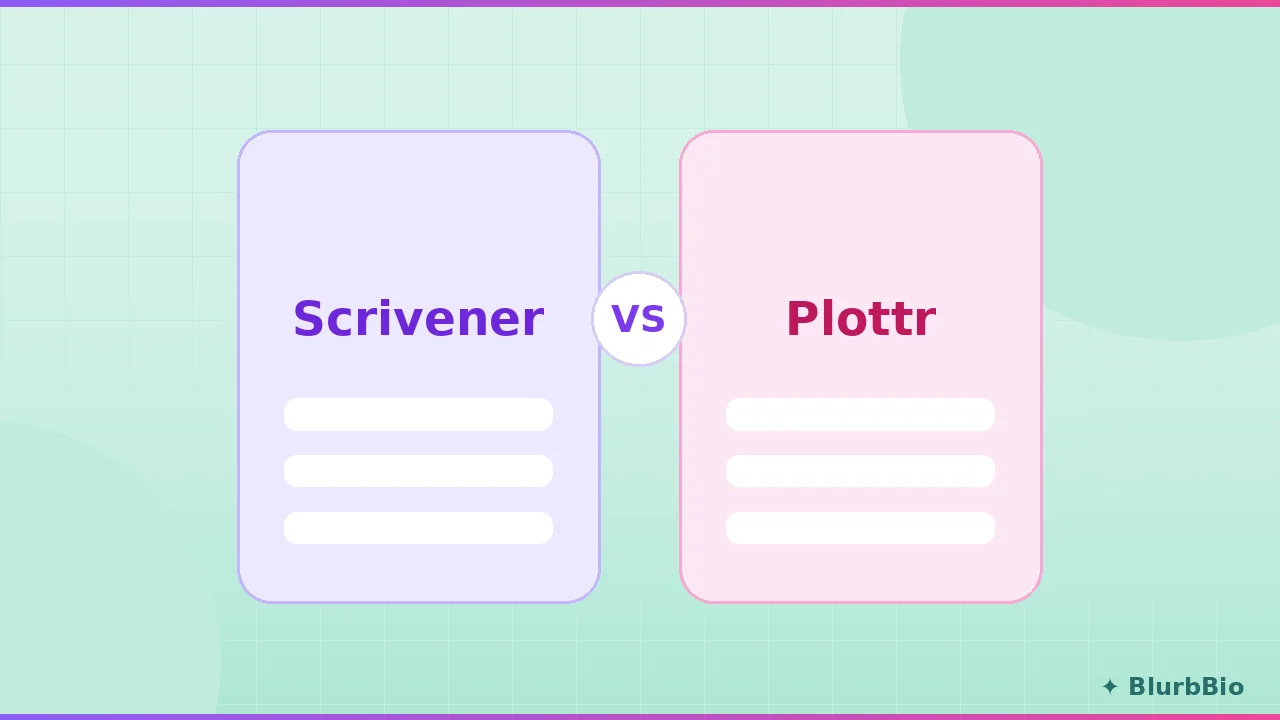
Search either of these names and the other appears beside it, which has convinced a generation of authors they are competitors. They are not. Scrivener is where a manuscript lives and gets written. Plottr is where a story gets planned before and beside the writing. The genuinely useful comparison is not which beats which, but which job you actually need done, and what happens in the gap between the two jobs.
Full disclosure: we build BlurbBio, which competes with both in different ways, and this piece links to our head-to-head pages. The comparison below stays factual and dated, and both tools get their honest wins.
What each tool actually is
Scrivener is the twenty-year default for serious long-form writing: a binder-based project format holding chapters, scenes, research, and notes, with a distraction-capable editor and the famously powerful, famously hostile Compile system for output. It is a one-time purchase per platform, works fully offline, and contains, by deliberate design, no AI whatsoever. Its learning curve is real, and so is the loyalty of the people who climbed it.
Plottr is a visual planning board: horizontal timelines with color-coded plotlines, draggable scene cards, character and place profiles, series bible features, and 30+ templates covering three-act structure, Save the Cat, Romancing the Beat, and the rest of the structural canon. You do not write your book in Plottr, and Plottr does not pretend otherwise; its standard workflow ends with exporting the plan into Word or Scrivener and drafting there.
The honest head-to-head, where it exists
There is one zone of genuine overlap, planning, and the specialist wins it.
| Dimension | Scrivener | Plottr |
|---|---|---|
| Drafting environment | Excellent, its core purpose | None, planning only |
| Visual outlining | Corkboard and outliner, serviceable | Purpose-built timelines, the specialist |
| Structure templates | Generic | 30+ story structure templates |
| Series bible | Manual binder documents | Dedicated series bible features |
| Platform | Mac, Windows, iOS; offline | Desktop apps, web on Pro plans |
| Pricing (verified July 2026) | About $60 one-time per desktop platform | Pro from $15/mo; lifetime license commonly $199; Pro + Community about $27/mo |
| Free trial | 30 days of use | 30 days |
| AI or manuscript analysis | None | Core product is manual planning |
If you need a planning tool beside a drafting app you already love, Plottr is the better planner. If you need one serious place to write and organize a big manuscript and you want to pay once, Scrivener remains a fine buy two decades in.
Two buying details that reviews rarely mention but owners appreciate. Scrivener's 30-day trial counts only days of actual use, so opening it twice a week stretches the evaluation across months, a genuinely author-friendly policy. And Plottr's lifetime license covers the offline desktop product with updates for life, while its cloud features, the web app, auto-sync, and real-time collaboration, live on the Pro subscription tiers, so the one-time price buys the planner but not the cloud. Neither caveat is a criticism; both are the kind of fine print that decides which purchase fits a particular writing life, and both companies document them plainly on their own sites.
The pairing, and the gap it opens
The classic combined workflow is genuinely popular: plan in Plottr, export to Scrivener, draft in the binder. Bought outright, the pairing runs roughly $260 as a one-time cost at current prices (about $60 for Scrivener plus the $199 Plottr lifetime), which is honest value for a fully manual system. It works well, right up until the moment every author knows: the draft departs from the plan.
This is not a flaw in either product; it is the structural cost of splitting planning and drafting across apps that never read each other. The 2022 Alliance of Independent Authors survey put a number on the downstream cost: authors without a working continuity system averaged 14.3 hours of continuity revision per manuscript versus 3.1 for authors with one, and the plan-draft gap is precisely where those errors breed. Our guide to outlining a novel covers keeping plan and draft honest; the categorical fix is a platform where the outline, the manuscript, and an actively enforced story bible share one project, which is the position we build from and lay out on the comparison hub.
Recommendations by author
Buy Scrivener if you want a deep, offline, one-time-purchase home for drafting and research, your outlining needs are modest, and you either enjoy or can tolerate Compile. Nothing else matches its depth per dollar.
Buy Plottr if you love your current drafting setup and want a dedicated visual planner beside it, especially for series, where its bible features and reusable templates shine.
Buy both if you are a heavy plotter drafting long or multi-book work in Scrivener; the pairing is the best pure manual workflow available, provided you accept the drift problem and audit for it deliberately.
Look at a third category if the drift problem is the thing you are trying to solve: you want the plan, the prose, and the canon in one system that notices when they disagree, with analysis that reads the whole manuscript. That is a different product class from either tool here, covered in the Scrivener comparison and Plottr comparison.
Details above reflect both products as publicly documented in mid-2026; features and prices change, so confirm on the official sites before purchasing.
See also: How to Outline a Novel · Best Writing Software for Novelists in 2026 · Plottr vs Campfire